
Scene DirectorFiveM Script
Your ideas. Your actors. Your camera. Turn the world of FiveM into your own film set — from the first scene to the final take.
Cinematic camera
50 mmActor 01KeyframedShape the camera path. Find the shot. Set the pace.
One scene.
Every creative decision.

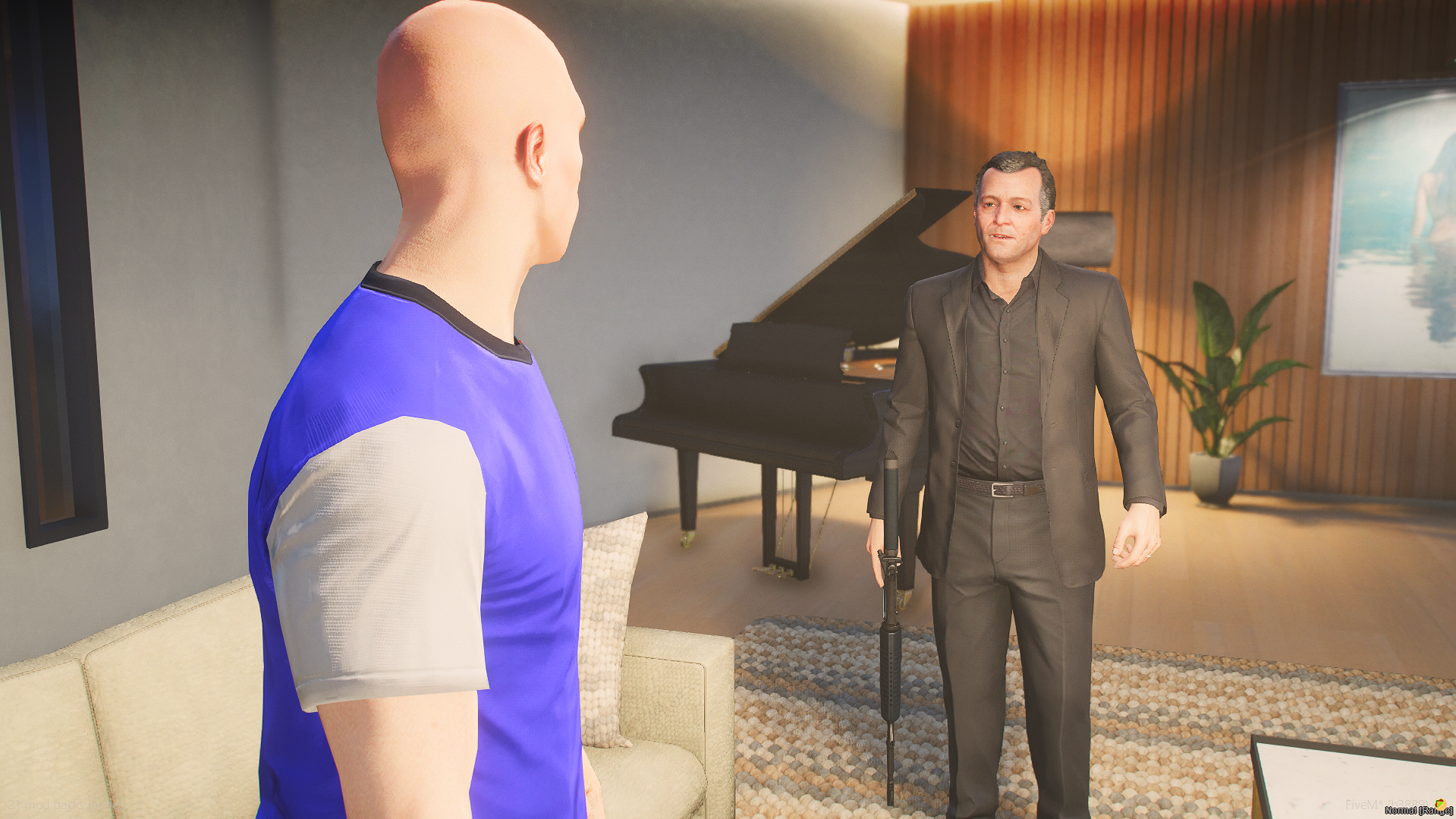
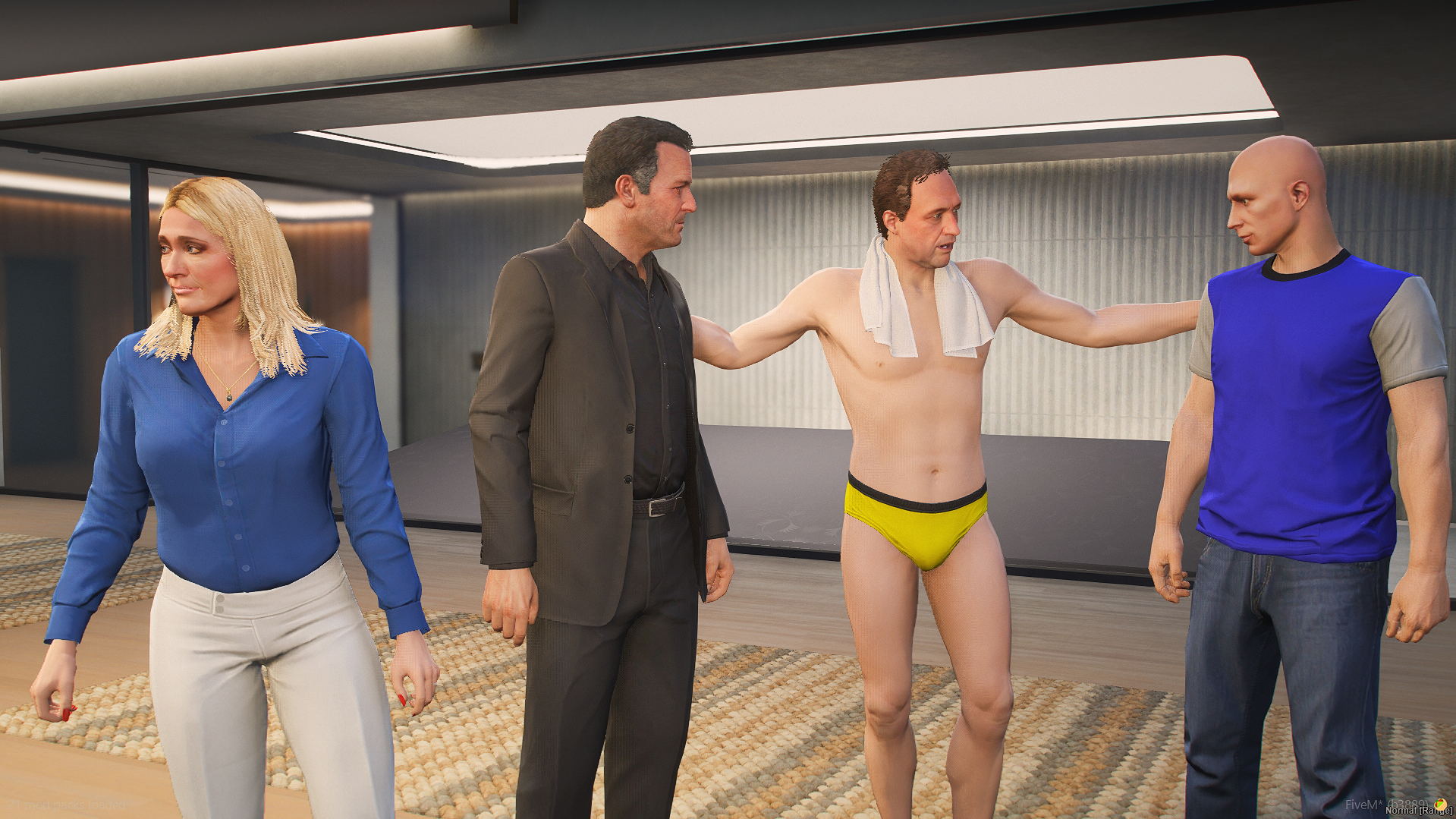
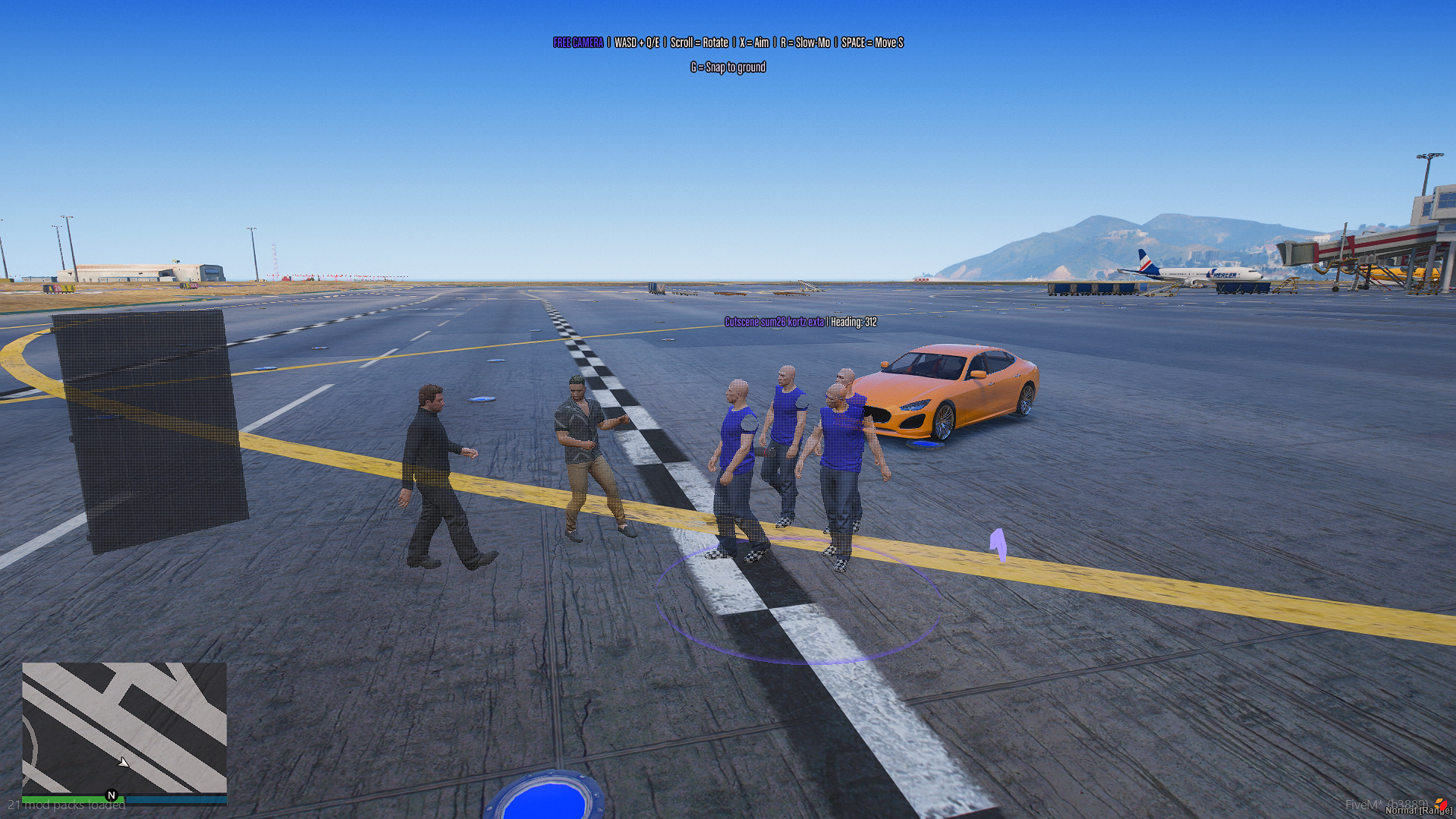
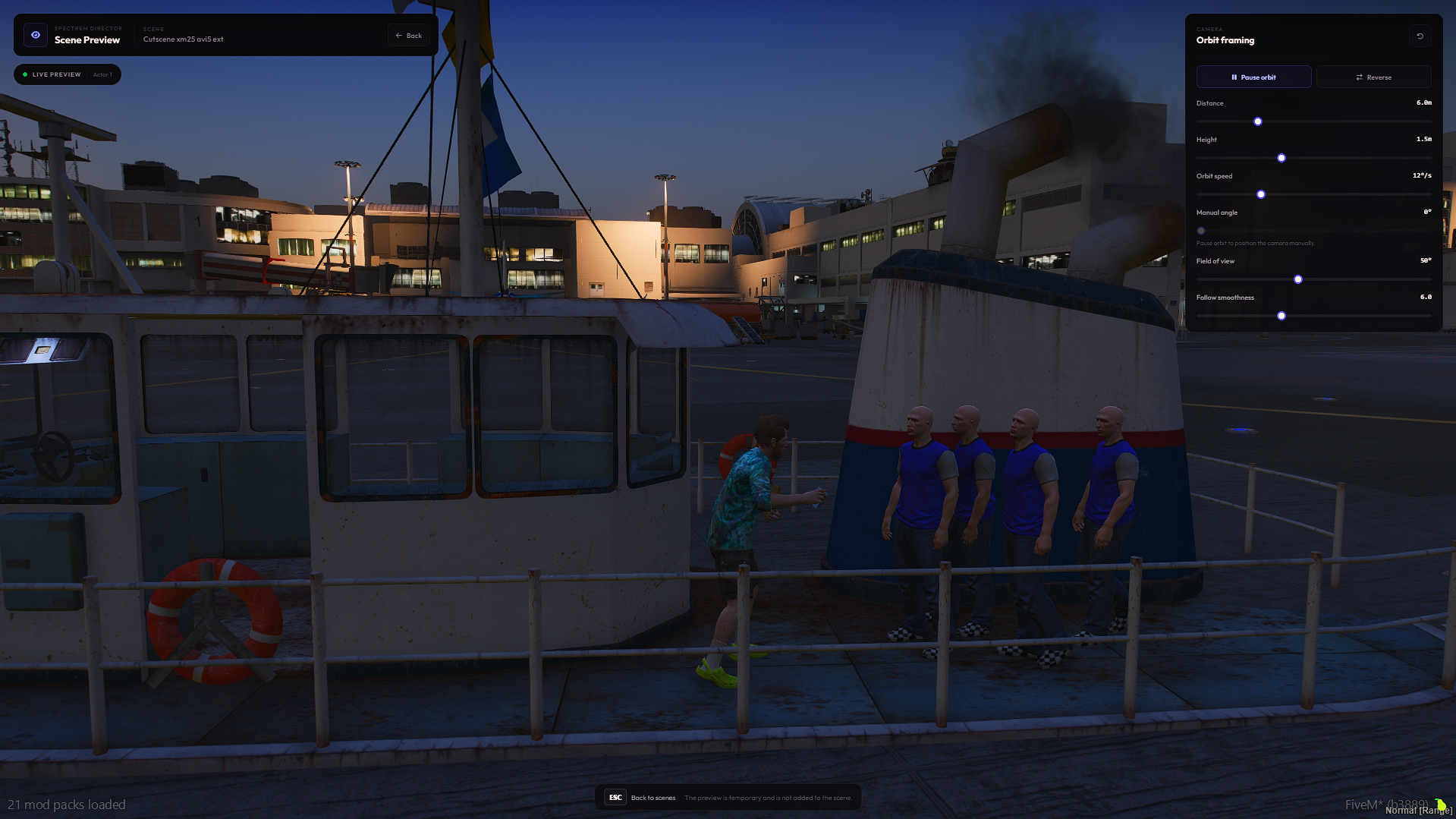
Everything your scene needs.
Right where you create.
From your cast to your camera, shape every part of the story inside one creative workspace.
Find your frame.
Create camera paths, record live movement and dial in the lens, focus and transitions for your next shot.
Direct the action.
Build your cast, place characters and combine animations, vehicles and props into scenes you can reuse.
Own every second.
Arrange clips on dynamic tracks. Trim, split, snap and bring the whole sequence together on one Timeline.
Your world.
Your direction.
Build the moment, shape its movement and return to it whenever the story needs another take.
Start with the guided tutorial ↗Set the stage
Choose your environment. Place actors, vehicles and objects. Set the weather, time and lighting.
Make it move
Give your actors a sequence, build the camera path and line up the action on the Timeline.
Capture your take
Preview the scene, refine the timing and use the recording and export workflow to capture the result.
Do I need ESX or QBCore?
No. Scene Director is standalone. The required external resource is oxmysql. Check the installation guide for server and database requirements.
What can I create with Scene Director?
Build scenes with actors, vehicles and props, direct cinematic cameras, arrange multi-track timelines and reuse recorded action. The manual covers each tool and its controls.
How do I install the script?
Follow the installation guide for the resource files, database setup, start order and ACE permissions. It also includes checks for your first launch.
Where can I find help?
Start with the full documentation and troubleshooting guide, or join the Spectrem Discord community for help.
Let's make something worth watching.
The tools are ready. The story is yours.